


If Adobe Premiere can do it, your AI can do it for you with BuzzRolls Studio.
Save 5 hours your first week or get your money back
How it works
We give your AI an editing toolkit.
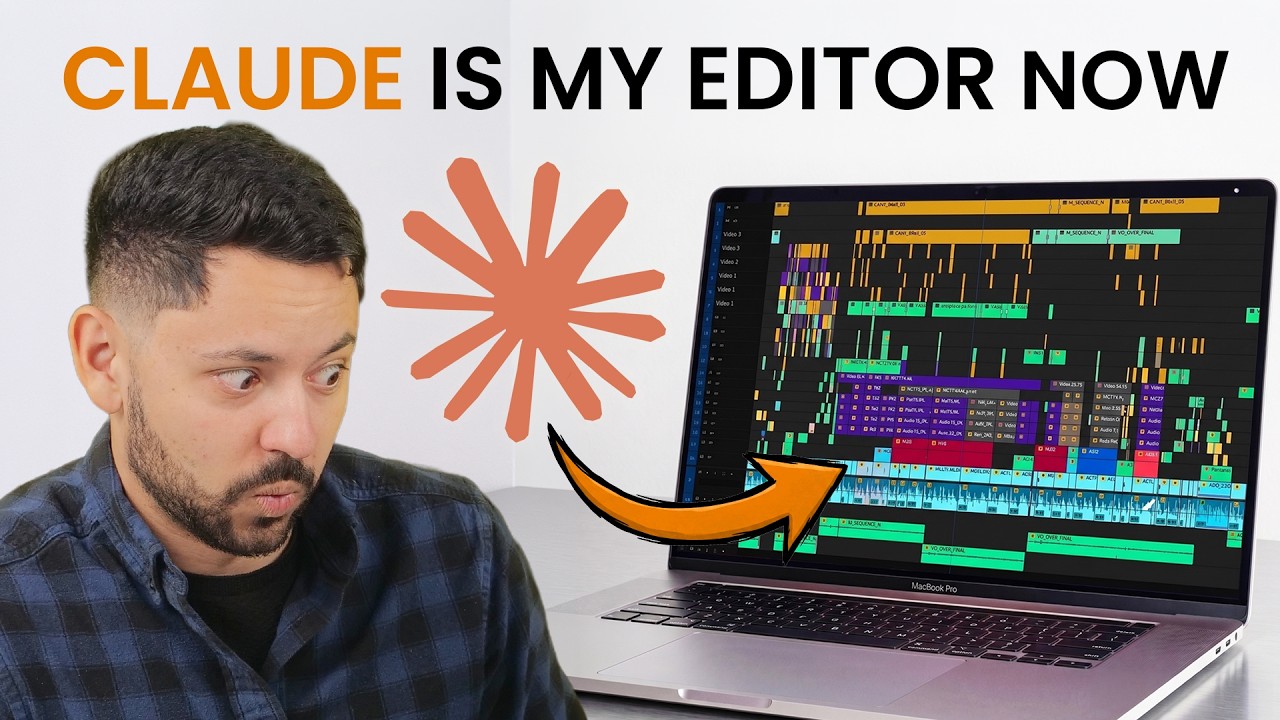
BuzzRolls Studio is a Premiere Pro plugin that gives your AI direct control of your timeline through a curated set of 60+ editing tools.
Trusted by video editors
94,119+
Edits performed and counting
You describe editsin plain language
BuzzRolls translatesintent into actions
Premiere executeson your timeline
See it in action
Hours of timeline work, handed off.
Watch Claude sync three camera angles into a multicam stack, cut between speakers off the transcript, and hand back a finished 12-minute podcast edit, directly inside Premiere Pro.

See the edit breakdown
- Input
- 3 camera angles
- Output
- 12:31 finished edit · 68 camera switches
- AI editing time
- 8 minutes
AI actions
- 1Inventory the footage folder, including three mismatched camera formats.
- 2Write an audio cross-correlation script to sync the angles into a stack.
- 3Run editing-grade transcription and snapshot the sequence as a backup.
- 4Build the multicam cut around speaker turns, with the wide angle used for opens and visual relief.
- 5Trim the pre-roll and tail, then mark judgment calls for the human instead of making them.
- 6Export the finished edit.
Customer results
Recommended by real editors.
Messages from subscribers using BuzzRolls on real editing work.

kxy
I have been using BuzzRolls Studio for about 4 months, and it has been a fantastic addition to my workflow. It can analyze my transcript, cut my entire footage with a single prompt (bad takes, silences, etc.) and insert all of my slides flawlessly throughout the whole video, ready for manual adjustment. It's evolved faster than I expected, and the models are constantly being updated with new features and bug fixes. Can't imagine what it will be capable of in 5 years.



Setup is easy
Start editing with BuzzRolls in five minutes.
No new software to learn. No code to write.
- 01
Open your AI App of choice
We recommend the Claude Desktop app or ChatGPT Desktop app.
- 02
Paste one setup prompt
Your AI installs BuzzRolls Studio and finishes the setup. You are ready to edit in under five minutes. See the setup prompt →


Can We Handle Your Edit?
See what BuzzRolls can take off your plate.
Describe one real edit. Claude or ChatGPT will help you decide if BuzzRolls can handle it.
Any questions before you start?
Pricing
Choose the plan that matches how you edit. Cancel in one click.
Studio
For individual creators who want practical editing automation.
$29/month
Included:
- •Unlimited usage
- •Connect Claude, ChatGPT, and other supported AI apps to Premiere Pro
- •Edit talking-head A-roll directly from the transcript
- •Apply keyframed video effects with easing
- •Add transitions, rearrange clips, trim, split, and ripple-edit
- •Inspect timeline state and export frames for AI analysis
- •New Studio tools ship continuously
Studio Pro
For professionalsFor professional editors, agencies, and teams earning revenue from their editing work.
$99/month
Included:
- •Everything in BuzzRolls Studio
- •Your first custom automation set up by Soroosh
- •A workflow designed around your business and editing process
- •Built for client, agency, and in-house editing workflows
- •Priority guidance for professional setup and workflow design
- •Additional seats are 66% off after the first

Let your AI handle the timeline busywork.
Cancel anytime. 5-hour time-savings guarantee.