Best AI Plugins for Premiere Pro in 2026: Compared by Workflow
There is no single best AI plugin for Premiere Pro; the right pick depends on your workflow. If you edit a weekly multicam podcast, AutoPod is the specialist. If you want one panel that covers a wide range of jobs from silences to captions, AutoCut or FireCut fits. If you want an AI agent to build and revise the edit while you keep final say in Premiere, BuzzRolls Studio is built for that.
- BuzzRolls Studio: agent-driven editing with 60+ tools through Claude, ChatGPT, and other AI apps; your project stays in Premiere for review.
- FireCut: a broad one-panel feature set (silences, captions, B-roll, podcast mode, chapters) with a 7-day trial; monthly costs add up.
- AutoCut: a budget-friendly all-rounder with a 14-day free trial and no credit card.
- AutoPod: multicam podcast editing done for you; needs separate audio tracks per speaker.
- AutoEdit: prompt-driven rough cuts inside Premiere, with a genuinely free tier.
- PremiereCopilot: 26 tools with daily free usage and lifetime license options.
- Radbin for Premiere: pay-per-credit editing that builds a new sequence next to yours.
- Gling: edits outside Premiere and hands back an XML; good for solo talking-head work, but you round-trip between apps.
This list covers AI editing automation only. For effects, titles, and speed tools, see our broader roundup of the best Premiere Pro plugins.
Start with what Premiere Pro already does
Before you pay for anything, check Premiere's own AI tools. Text-Based Editing lets you cut a video by deleting words from a transcript. Enhance Audio cleans up dialogue recorded in bad rooms. And since Premiere Pro 27.0 was announced in November 2026, there's an AI Assistant in beta: you type requests like "organize this footage into bins by scene" or "build a stringout," and it acts in your project. Adobe has also previewed local MCP integrations that would let third-party AI agents edit native Premiere project files, with a private beta planned for early 2027. Our map of every AI feature in Premiere Pro covers what each one costs and where it falls short.
So do you still need a plugin? The built-in tools cover organization, transcripts, rough assembly, and cleanup. They don't do everything. Dedicated plugins still lead on things like automatic multicam podcast switching, filler-word removal with review, B-roll insertion, and caption styling. Here's how to choose among them.
How to compare AI plugins: five questions
Judge every Premiere Pro AI editing plugin on these five criteria. They're the ones that separate a tool you'll keep from one you'll uninstall after a week.
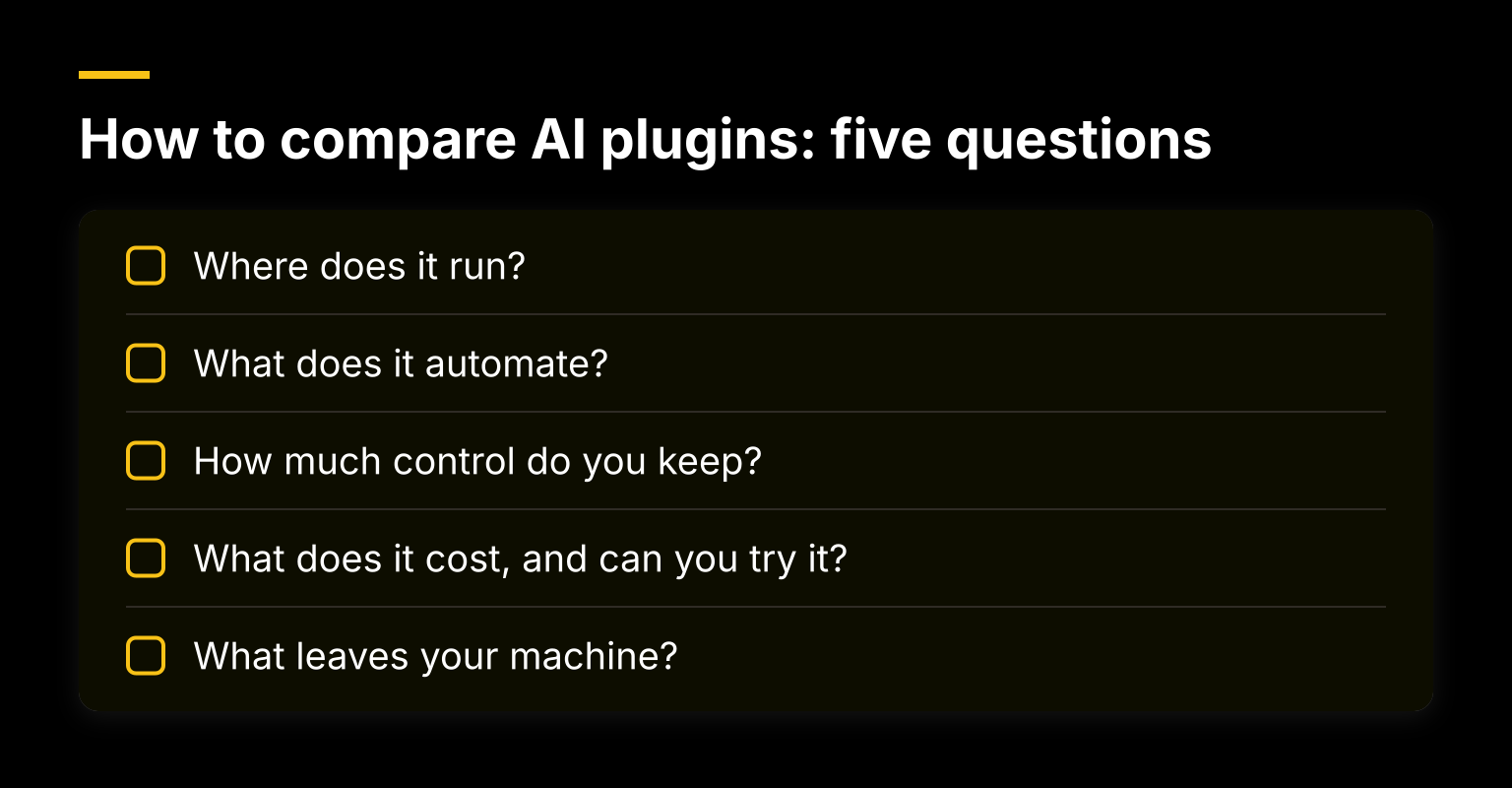
- Where does it run? Inside a Premiere panel, in a separate app that hands back an XML, or through an AI agent that controls Premiere directly?
- What does it automate? Silence removal, bad takes, filler words, B-roll, captions, multicam switching. Match the tool to the job you actually repeat.
- How much control do you keep? The good ones build a new sequence or leave every cut reviewable and undoable. Watch out for tools that overwrite your timeline.
- What does it cost, and can you try it? Check current prices on the vendor's own page; most have a free trial or free tier.
- What leaves your machine? Most cloud-based tools upload audio or transcripts for processing. Radbin, for example, says video files stay on your computer and it sends audio plus a few stills. If that matters for client work, ask before you buy.
BuzzRolls Studio: an AI agent that edits inside your Premiere project
BuzzRolls Studio is a Premiere Pro plugin and remote MCP server. Instead of clicking buttons in a panel, you tell a supported AI app (Claude, ChatGPT, and others) what you want, and it controls Premiere Pro through more than 60 editing tools. That covers removing bad takes, filler, and silences; building transcript-driven first cuts; adding B-roll based on narration; organizing media and bins; applying repeatable edits and transitions; and cutting multicamera podcasts.
The design idea is that the AI does the mechanical work while the project stays in Premiere for human review and finishing. Every change lands in a real Premiere timeline you can adjust or undo. If you want to see the control model before buying, how BuzzRolls Studio works explains the agent setup, and the full tool list shows exactly what your AI can do. It comes in Studio Lite and Studio Pro plans, and monthly plans start with a 3-day free trial; see current pricing.
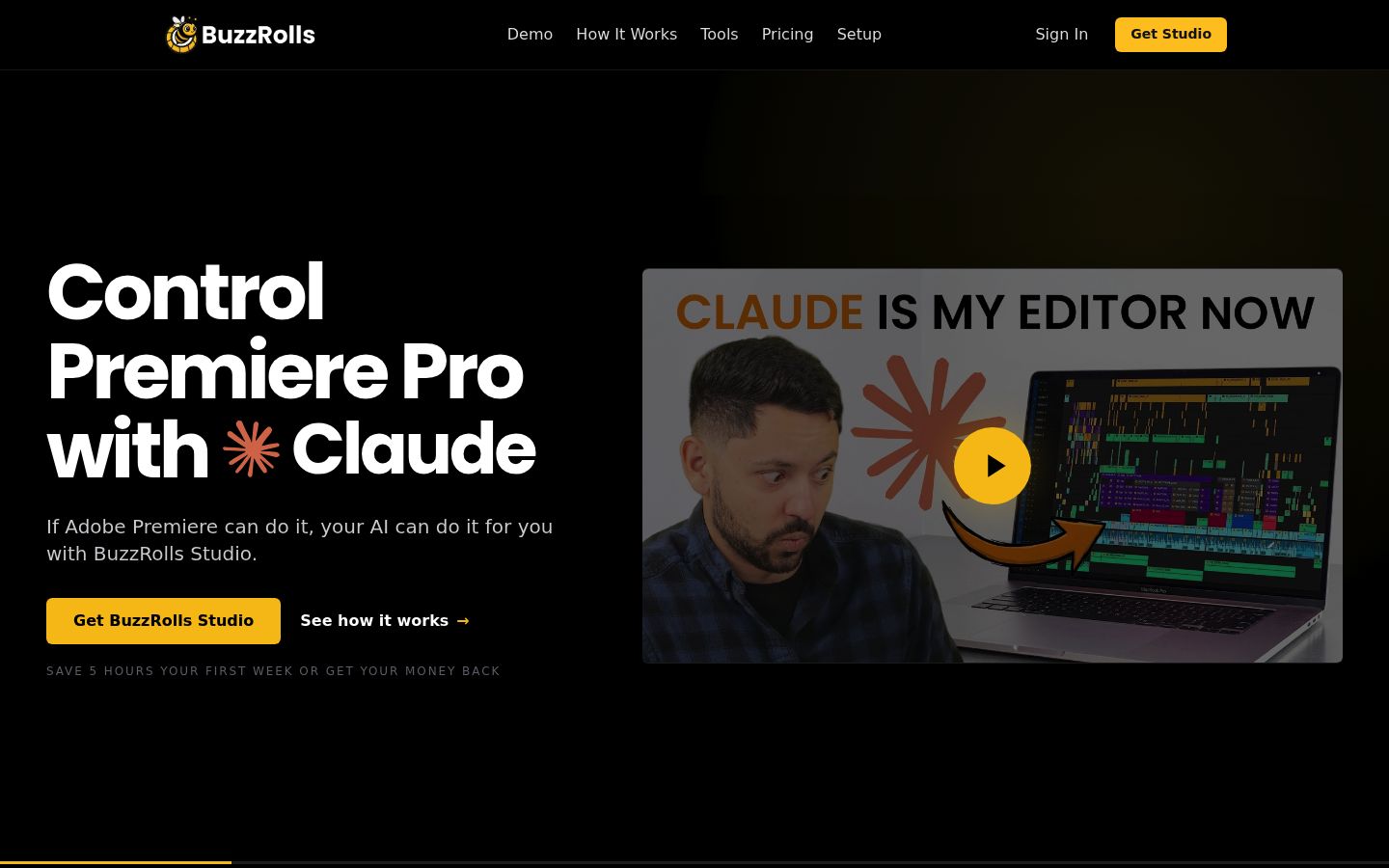
Tradeoff: you're working through a chat, not buttons. Editors who prefer a fixed panel of one-click features may find an agent workflow unfamiliar at first, though the payoff is that one instruction can chain several steps.
FireCut: a broad automation set in one panel
FireCut packs a wide range of automation into a single Premiere Pro panel: silence cutting with one-click or advanced modes, filler and repetition cleanup, captions in 50+ languages, automatic podcast editing, zoom cuts, chapters, B-roll, background music, and a "magic cut" that auto-assembles a first draft on the Max plan.
Per FireCut's pricing page (checked November 2026), the Premiere plugin starts at $19/month (Starter) with a 7-day free trial, Pro is $34/month, and Max is $59/month, with roughly half those rates billed yearly. FireCut also sells a separate DaVinci Resolve plugin with its own license; only the Team plan bundles both.
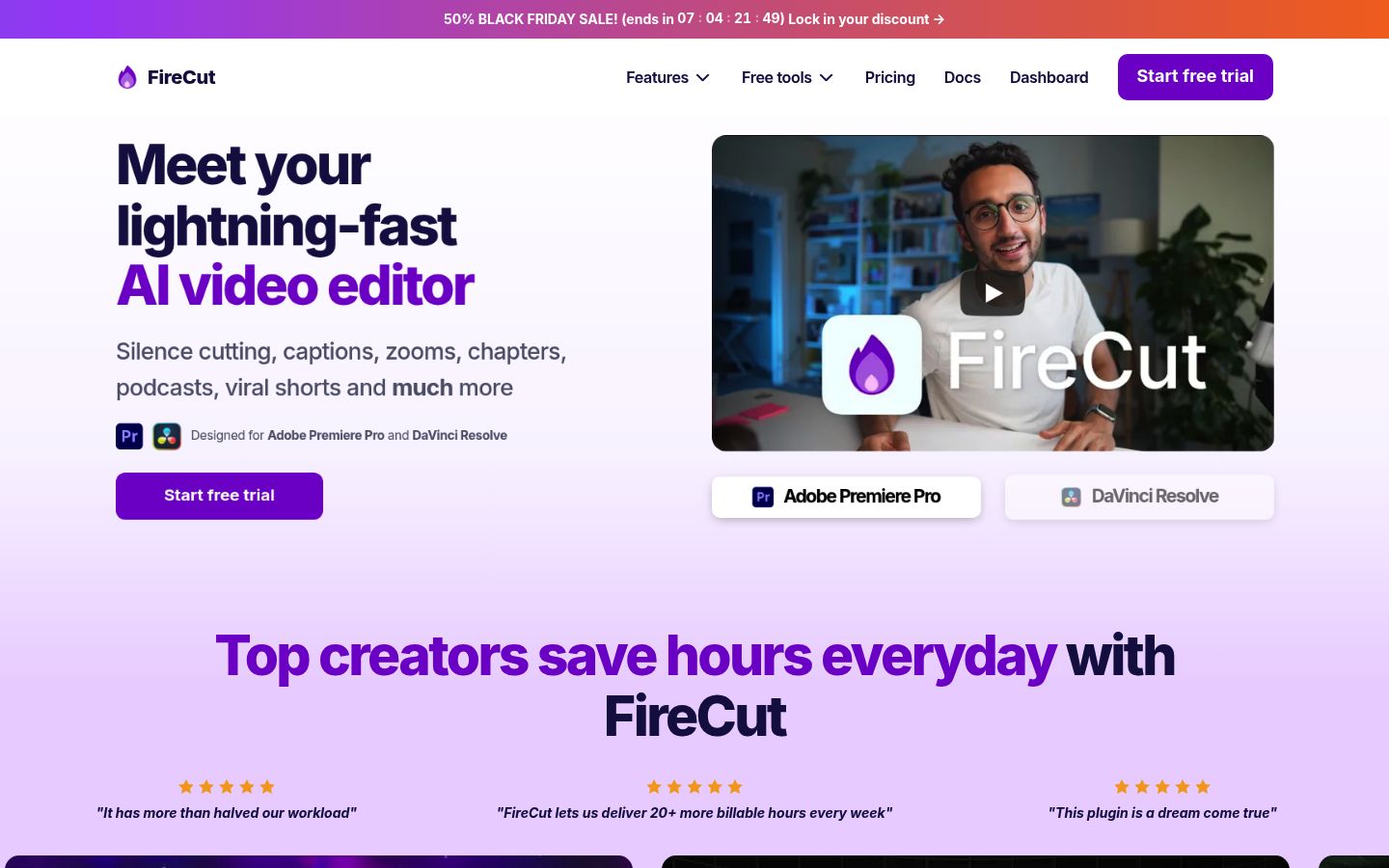
Tradeoff: pricing climbs quickly if you need transcription-heavy features, and usage limits count hours of source video processed per month across features. Plan tiers gate most of the interesting tools above Starter.
AutoCut: a low-cost all-rounder panel
AutoCut covers the same core jobs (silences, captions, podcast editing, camera switching, zooms, shorts, B-roll, bad-take removal, profanity filtering, chapters) inside Premiere Pro and DaVinci Resolve on Mac and Windows.
Per AutoCut's pricing page (checked November 2026), the Basic plan is $9.90/month and covers silence removal only; the AI Plan at $19.80/month unlocks all features; Enterprise is $19.90/month per license. Yearly billing discounts apply, and the 14-day free trial needs no credit card.
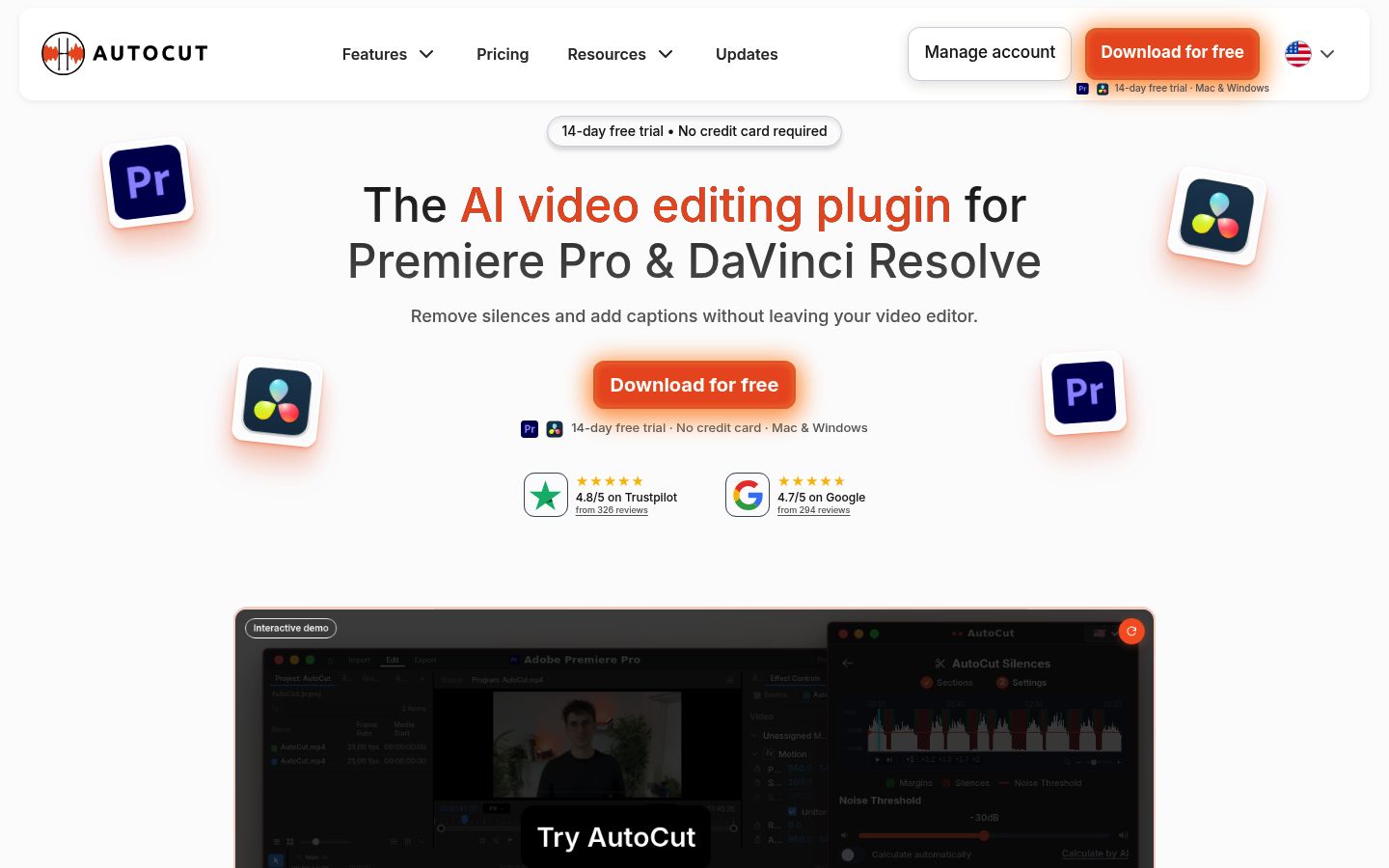
Tradeoff: the cheap Basic tier does one thing, so most readers will effectively be shopping for the AI Plan. AutoCut is a panel of buttons rather than an agent; it won't chain a whole edit from one instruction.
AutoPod: the multicam podcast specialist
AutoPod does one job extremely well: it edits multi-camera video podcasts automatically. The Multi-Camera Editor switches cameras based on who's talking, handling up to 10 cameras and speakers with solo shots, two-shots, three-shots, and wides. The bundle also includes a Social Clip Creator for vertical and square clips and a Jump Cut Editor that cuts on silence.
Per AutoPod's pricing page (checked November 2026), one Individual license is $29/month with a 30-day free trial on monthly billing, and annual billing gives one month free. Each license works on one computer. AutoPod also sells a Resolve version, but not Final Cut or Avid.
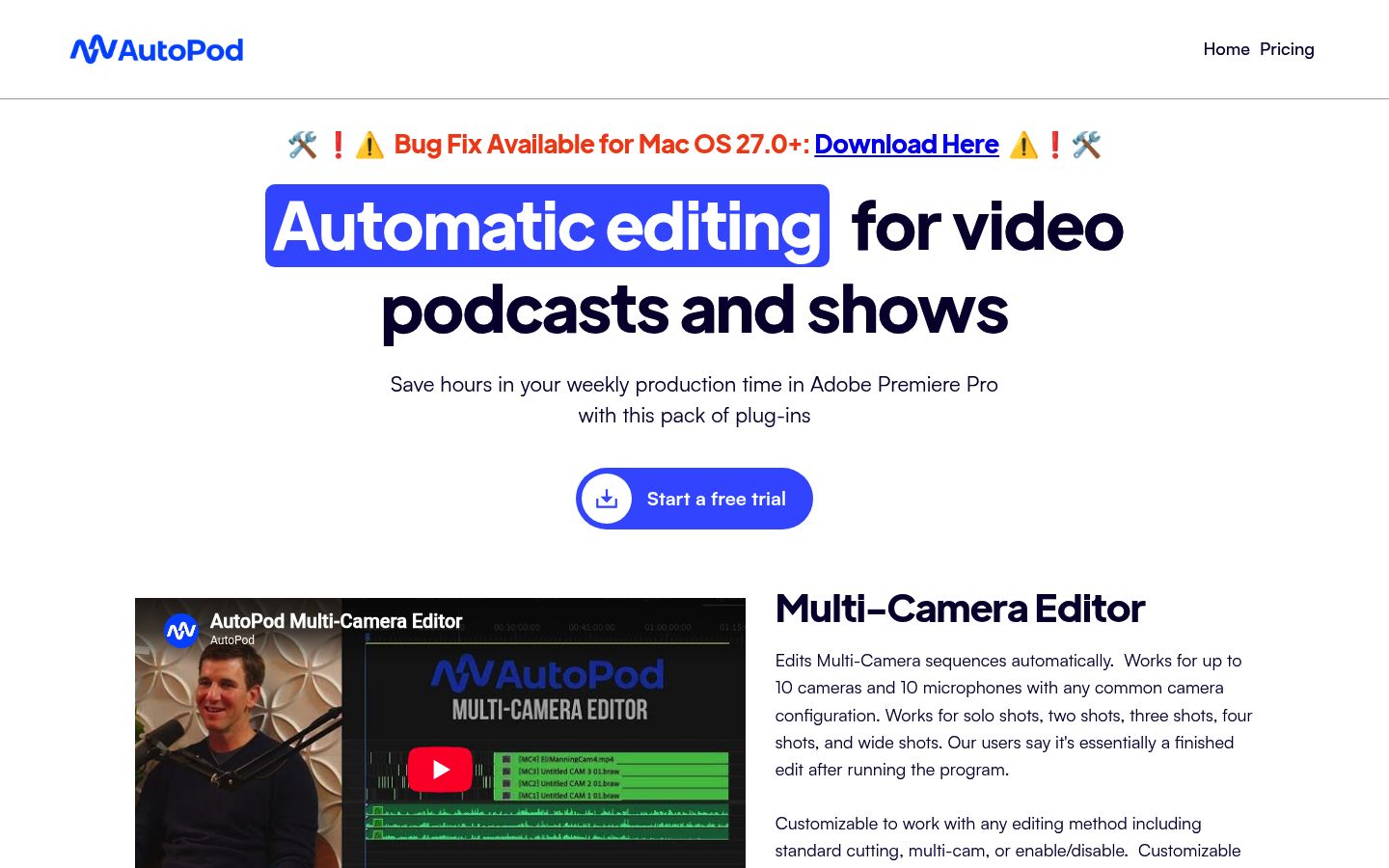
Tradeoff: it needs multiple cameras and a separate audio track per speaker. It won't work with a single audio source or a single speaker, and there's no free plan.
AutoEdit: prompt-driven editing with a free tier
AutoEdit uses Claude to build first rough cuts inside Premiere Pro for spoken-word footage: talking heads, podcasts, tutorials, and vlogs. You get bad-take and repetition removal, silence and filler-word cleanup, captions, a podcast mode, and a Chat Edit mode where you direct the edit in conversation.
Per AutoEdit's pricing page (checked November 2026), there's a free plan with seven tools (including a silence cutter and B-roll library). Paid plans are billed annually: Lite works out to $7.99/month, Creator to $13.91/month for the first year (then $24.36/month), and Pro to $63.99/month. Usage is metered in two pools, transcription hours and Claude AI processing hours, so heavy AI editing burns allowance faster than captions alone.
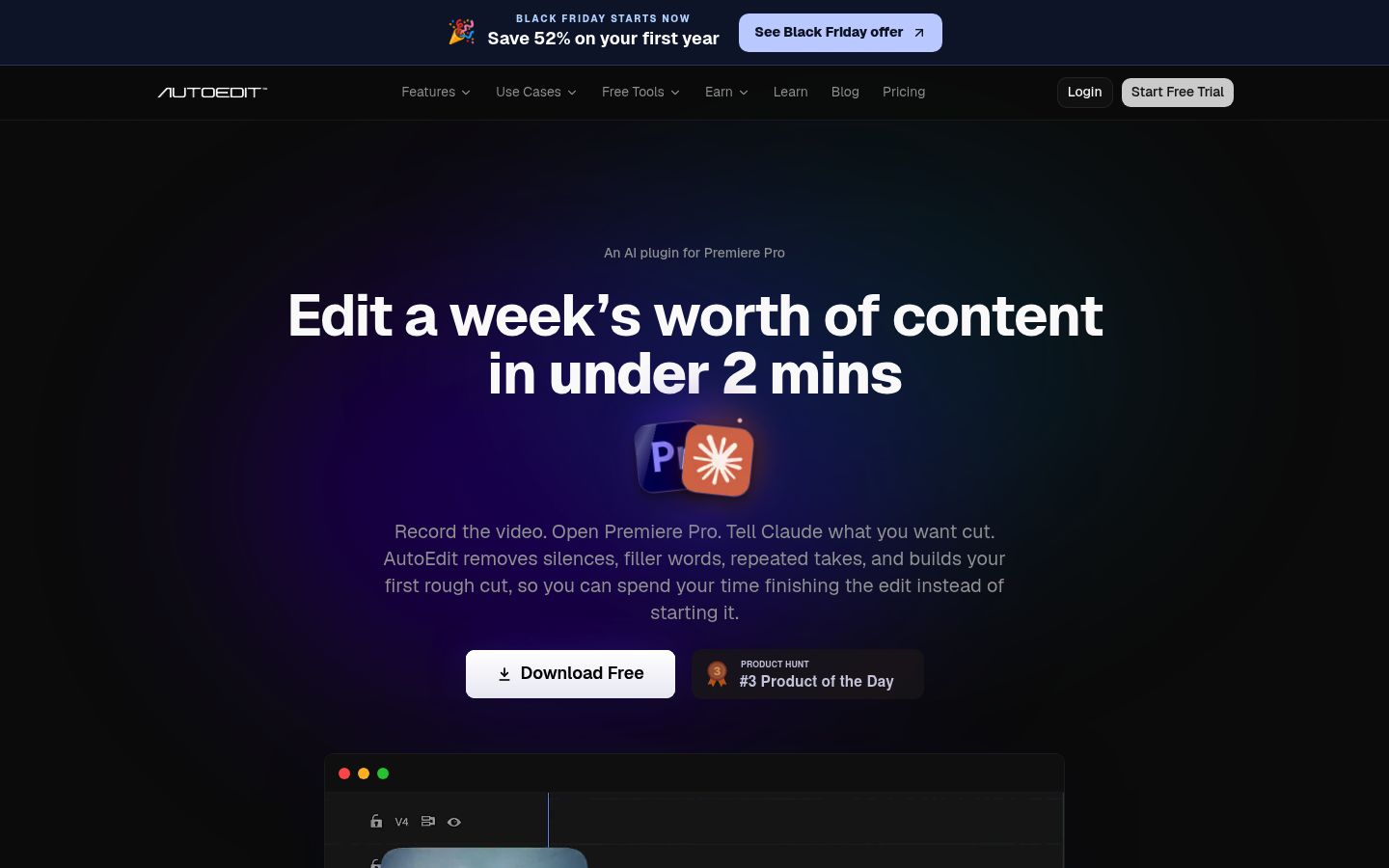
Tradeoff: the metered two-pool system takes some math. Estimate your monthly footage hours before picking a plan, because AI processing allowances run from 5 to 60 hours depending on tier.
PremiereCopilot: 26 tools and a generous free tier
PremiereCopilot is a native Premiere Pro plugin (2022 or later) bundling 26 tools: silence cuts, captions, subtitles, auto reframe, zooms, chapters, multicam podcast editing, B-roll, color and audio tools, and a "Copilot" chat that edits on request.
Per PremiereCopilot's pricing page (checked November 2026), Free gives all 26 tools with daily rate limits and seven tools unlimited, and the Pro+ plan is listed at $7.99/month. There are also one-time lifetime licenses for a Podcast & Jump Cut bundle and a GenAI Studio bundle, plus a 7-day money-back guarantee. AI processing runs on the vendor's servers, and past edits stay in your timeline if you cancel.
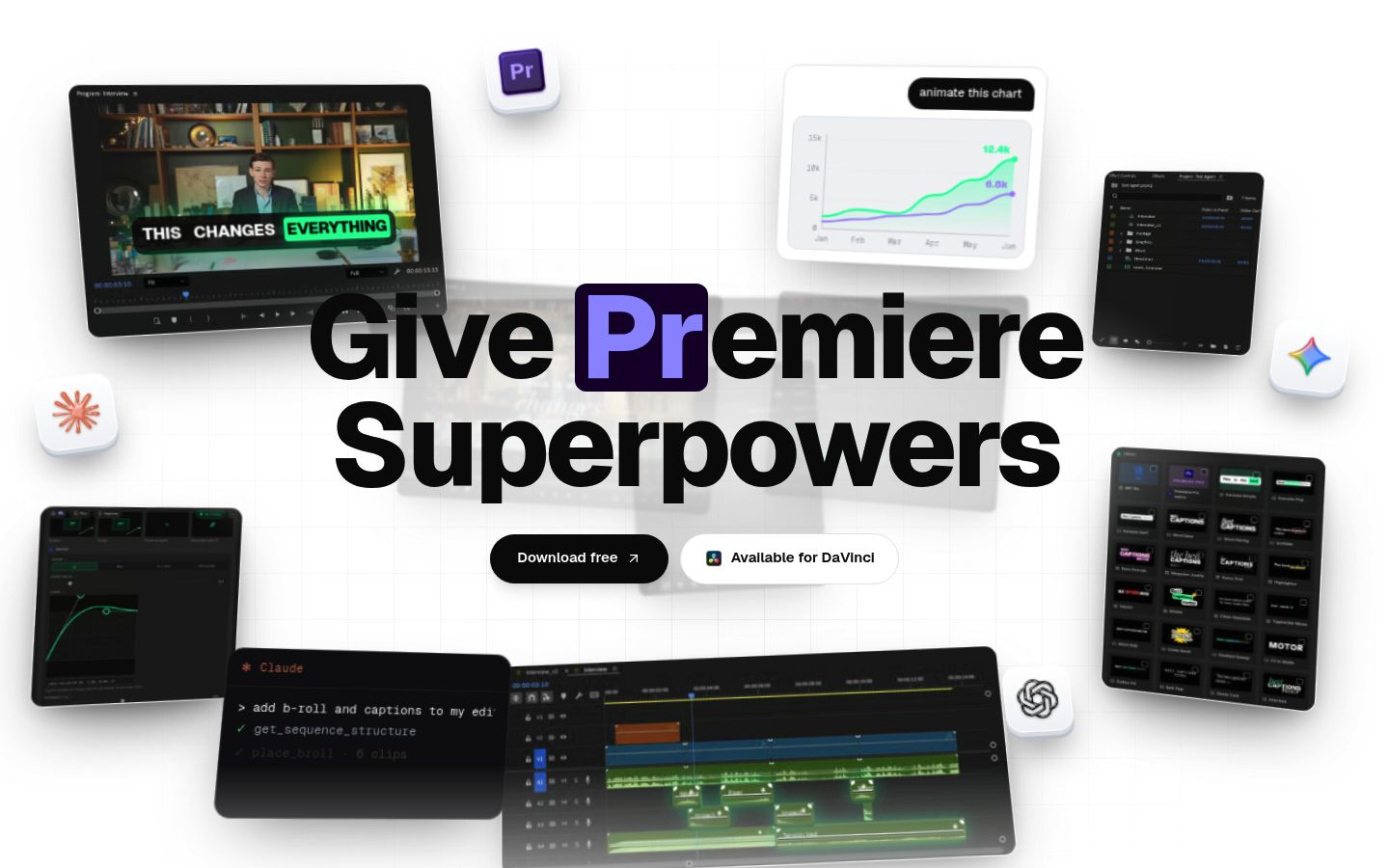
Tradeoff: daily rate limits mean a big edit day can stall on the free tier, and the pricing page lists many small per-day quotas, so check the ones for the tools you'd actually use.
Radbin for Premiere: pay per minute of footage
Radbin for Premiere is a panel that uses Claude to edit talking-head and tutorial videos: it removes retakes and long pauses, plans shots between camera and screen, and adds zooms, titles, and captions. Crucially, it builds a new sequence next to your original, which stays untouched.
Radbin prices by credits: per its pricing page (checked November 2026), a full AI Edit costs about 4 credits per minute of video, plans start at $9.97/month for 200 credits, and a free trial gives 40 credits for 30 days with no card. The vendor states that video files stay on your computer while audio and a few stills are sent for processing.
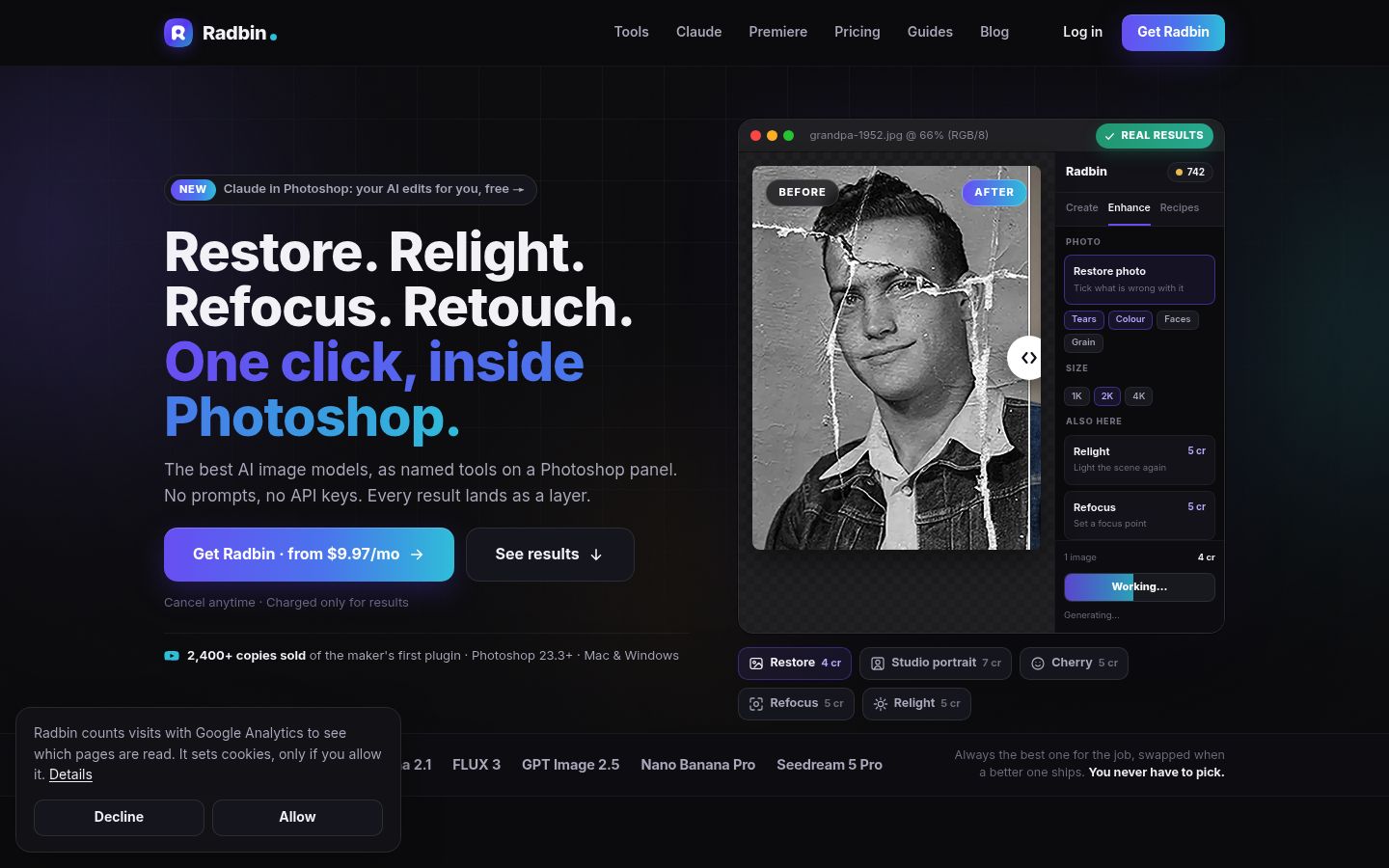
Tradeoff: one plan covers Radbin for Photoshop and Premiere, which is great if you use both, and confusing if you only edit video. Per-minute pricing rewards short videos; a long podcast adds up.
Gling: edit outside Premiere, hand back an XML
Gling is the odd one out: an AI editor that runs in its own app rather than a Premiere panel. It removes bad takes, silences, and filler words from talking-head footage, then exports an XML you can open in Premiere, Final Cut, or Resolve for finishing.
Per Gling's pricing page (checked November 2026), Free gives 1 hour of AI-edited media per month with a watermark, Plus is $20/month, Pro is $40/month, and Elite is $100/month, with annual billing at half those rates. Usage counts source footage submitted, not the finished length.
Tradeoff: the round trip. You edit in Gling, export, then refine in Premiere. That's fine for a solo creator cutting one video, but it breaks the stay-in-one-app workflow most working editors want.
Comparison: the eight at a glance
| Plugin | Best for | How it runs with Premiere | Entry price (checked Nov 2026) | Free option |
|---|---|---|---|---|
| BuzzRolls Studio | Agents editing inside your project, long-form and multicam | Plugin + remote MCP server; AI apps control Premiere | Studio Lite and Pro; see pricing | 3-day trial on monthly plans |
| FireCut | Wide feature set, captions-heavy channels | Premiere panel (Resolve plugin sold separately) | $19/mo Starter | 7-day trial |
| AutoCut | Budget all-rounder | Premiere and Resolve panel | $9.90/mo Basic | 14-day trial, no card |
| AutoPod | Multicam video podcasts | Premiere extensions (Resolve version available) | $29/mo | 30-day trial |
| AutoEdit | Claude-built rough cuts | Plugin inside Premiere | $7.99/mo Lite, billed yearly | Free tier |
| PremiereCopilot | Many tools, low commitment | Native Premiere plugin | $7.99/mo Pro+ | Daily-limited free tier |
| Radbin for Premiere | Pay-as-you-go editing | Premiere panel, new sequence per edit | $9.97/mo (200 credits) | 40 credits / 30 days |
| Gling | Talking-head cleanup before Premiere | Outside app, XML round-trip | $20/mo Plus | 1 hr/mo free |
Prices and terms change often; every figure above comes from the vendor's own page in November 2026, so confirm before you buy.
Quick picker: which plugin for your workflow
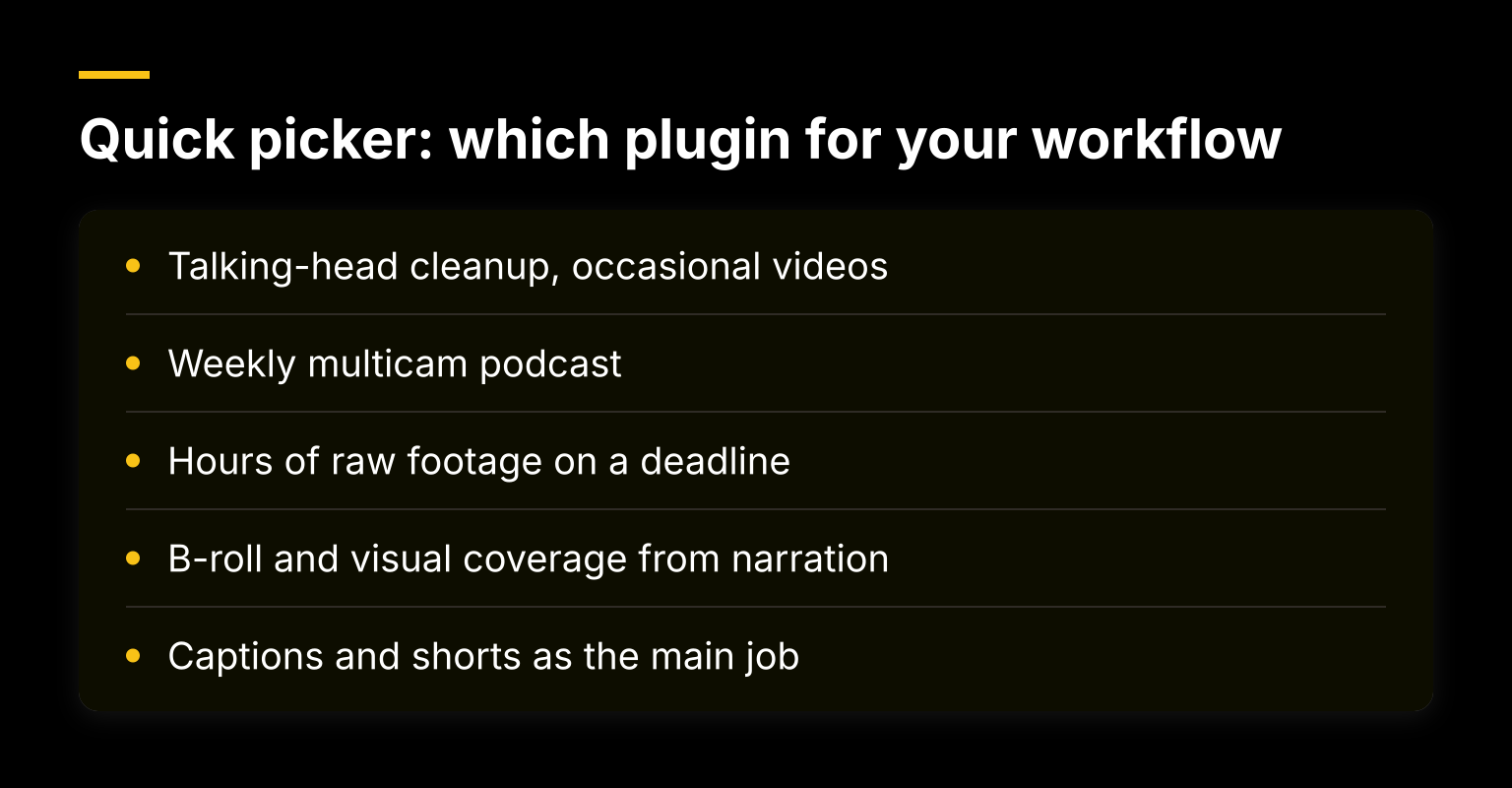
- Talking-head cleanup, occasional videos: Premiere's built-in Text-Based Editing, or AutoCut's Basic silences plan if you want one click.
- Weekly multicam podcast: AutoPod if you have separate audio tracks per speaker; BuzzRolls Studio if you also want B-roll, selects, and organization handled by the same agent.
- Hours of raw footage on a deadline: FireCut Max or Radbin, both priced around volume, or AutoEdit Creator if you prefer chat-driven edits.
- B-roll and visual coverage from narration: BuzzRolls Studio, FireCut Pro, or AutoCut's B-roll feature. For how AI B-roll selection holds up on real footage, see our hands-on Premiere Pro AI plugin tests.
- Captions and shorts as the main job: FireCut or AutoCut, which treat captions and vertical clips as first-class features.
A final word on control
Whichever you pick, favor tools that leave every AI decision reviewable in your timeline. Automation works best as a clean first pass that a human editor finishes. That's the pattern worth optimizing for: the AI removes the repetitive cutting, and you keep the taste decisions. For more workflow guides, browse the BuzzRolls blog, and if the agent-driven approach fits how you work, try BuzzRolls Studio free for 3 days on a monthly plan.
Ready to speed up your editing workflow?
BuzzRolls Studio connects your AI app to Adobe Premiere Pro so you can clean up takes and pauses, add B-roll, and keep editing in your own timeline.